
What SnapFlux does
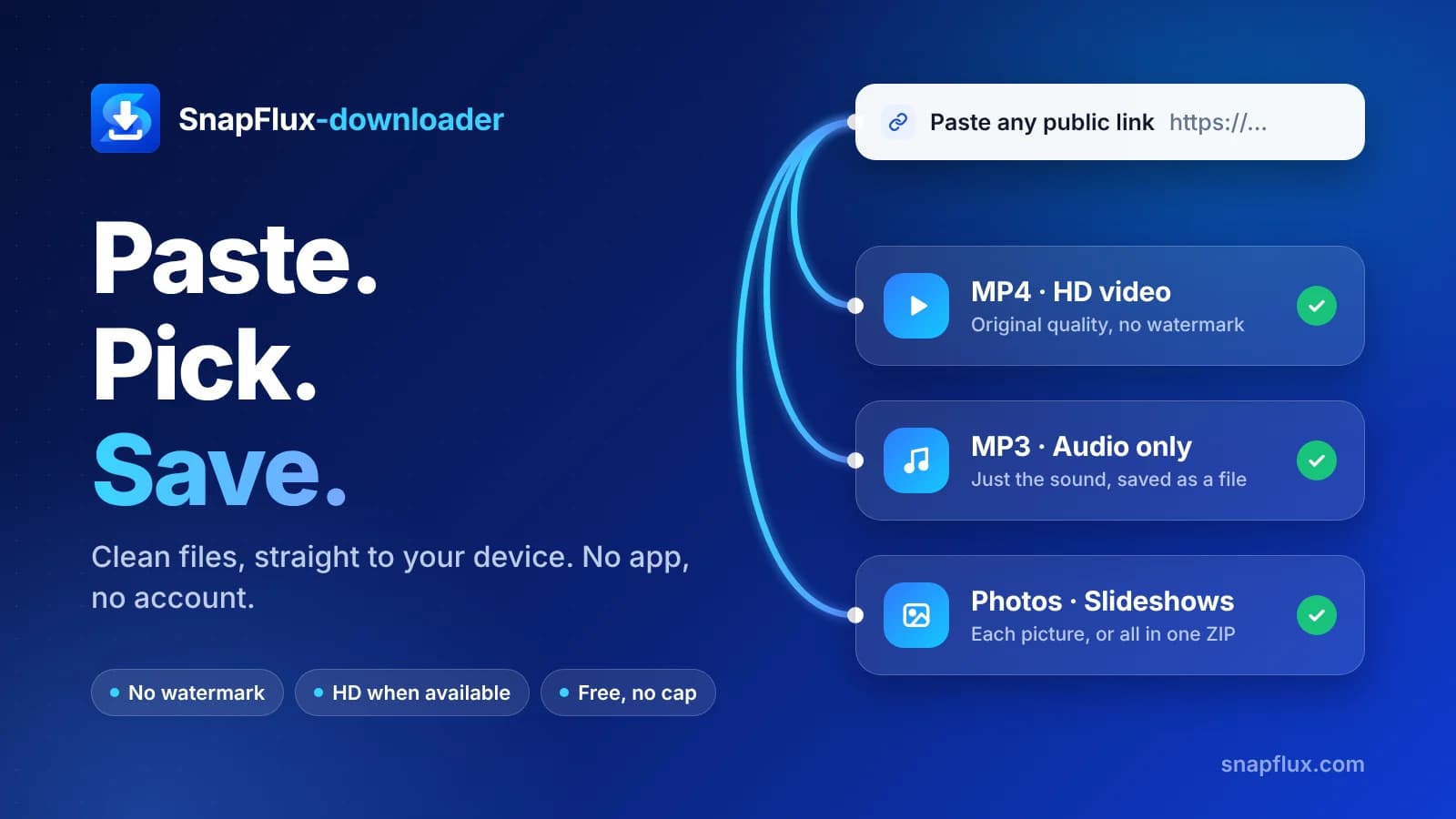
SnapFlux turns a public TikTok link into a file you can keep. Paste the link at the top of the page, press Download, and pick what you want from the result card. Everything runs in your browser, so there is nothing to install and no account to open.
Choose how you want to save it
Most people want the video, so MP4 comes first. When the creator uploaded a high-resolution copy, an HD option appears at the top of the card. If you only need the sound, the TikTok to MP3 downloader saves the audio on its own. Photo posts open as a grid, so you can keep a single picture or bundle the whole set into one ZIP.
About the moving logo
The TikTok logo that bounces around the frame is not part of the file you save here. That means there is nothing to crop out afterwards and no blurry patch where a logo used to be.
Saving on iPhone and iPad
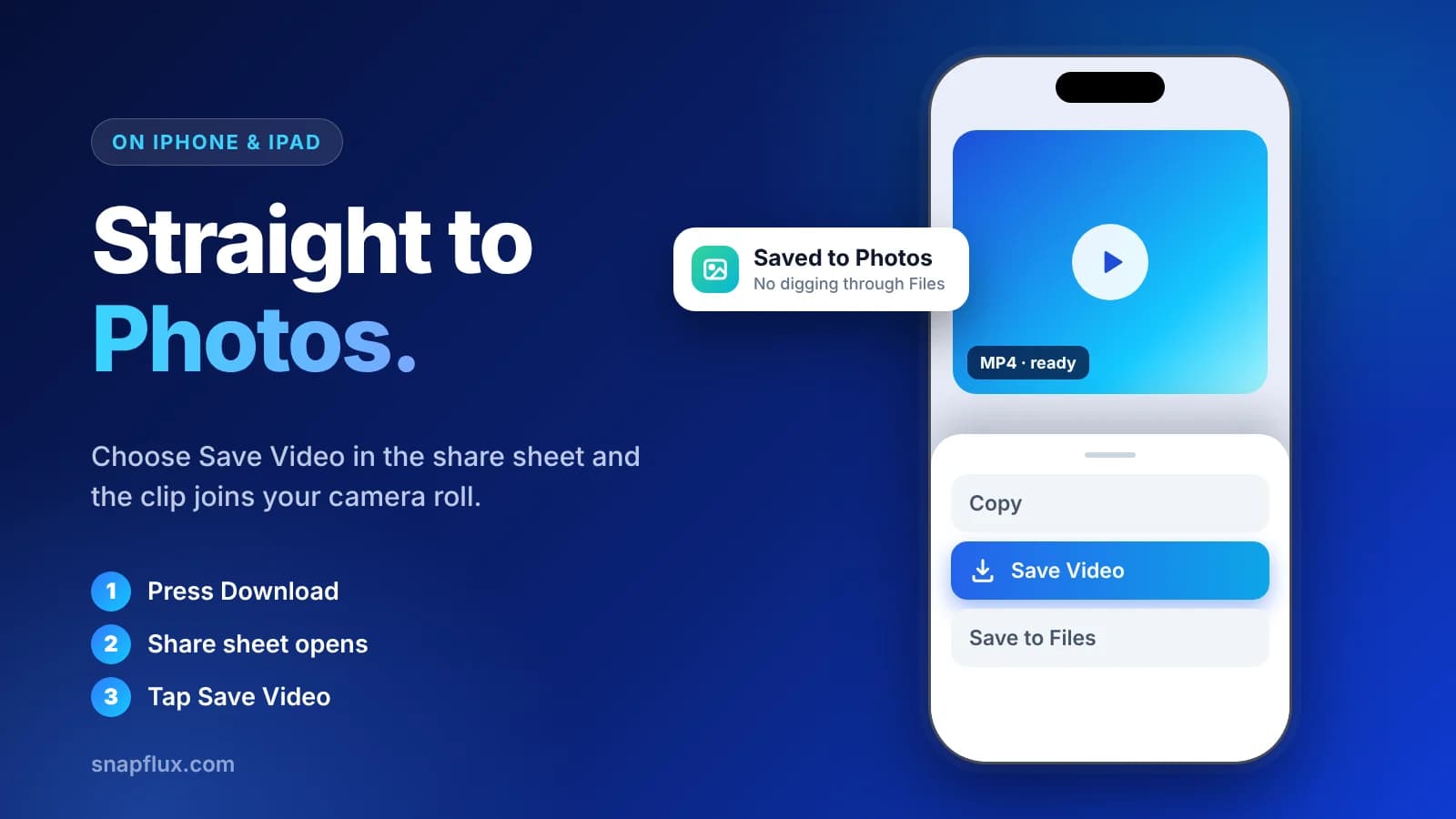
Safari tends to drop downloaded videos into the Files app, and many people assume the download failed. SnapFlux avoids that detour. Once your file is ready, the share sheet opens and you can choose Save Video to send it straight to Photos.
If the share sheet does not open in time, a Save to device button on the result card lets you open it yourself.
Android and desktop
On Android phones and computers the file is saved the usual browser way, so you will find it in your Downloads folder.
What stays private
SnapFlux does not ask you to sign up, and downloads do not pass through a database. The optional Download History button near the top only remembers recent downloads inside your own browser, and you can clear it whenever you like.
Where it cannot help
Some links will not work with any downloader. Private accounts cannot be fetched because the post was never public. Videos the creator deleted are gone for good. Posts limited to certain countries may fail from elsewhere. And quality follows the original upload, so a low-resolution clip stays low-resolution after you save it.
Looking for something else?
Audio only: TikTok to MP3 downloader. Stories before they expire: TikTok Story downloader. Links from the Chinese version of the app: Douyin video downloader.
Every clip belongs to its creator. Keep downloads for your own viewing, and if you want to share one publicly, get the creator's permission and give them credit.