
Turn a TikTok into an MP3
Sometimes you do not need the picture, only the sound: a song you heard in a clip, a voice-over, a short talk or a sound effect. This page saves just the audio of a public TikTok as an MP3 file, so you do not have to download the whole video and strip the sound out yourself.
How to save the audio
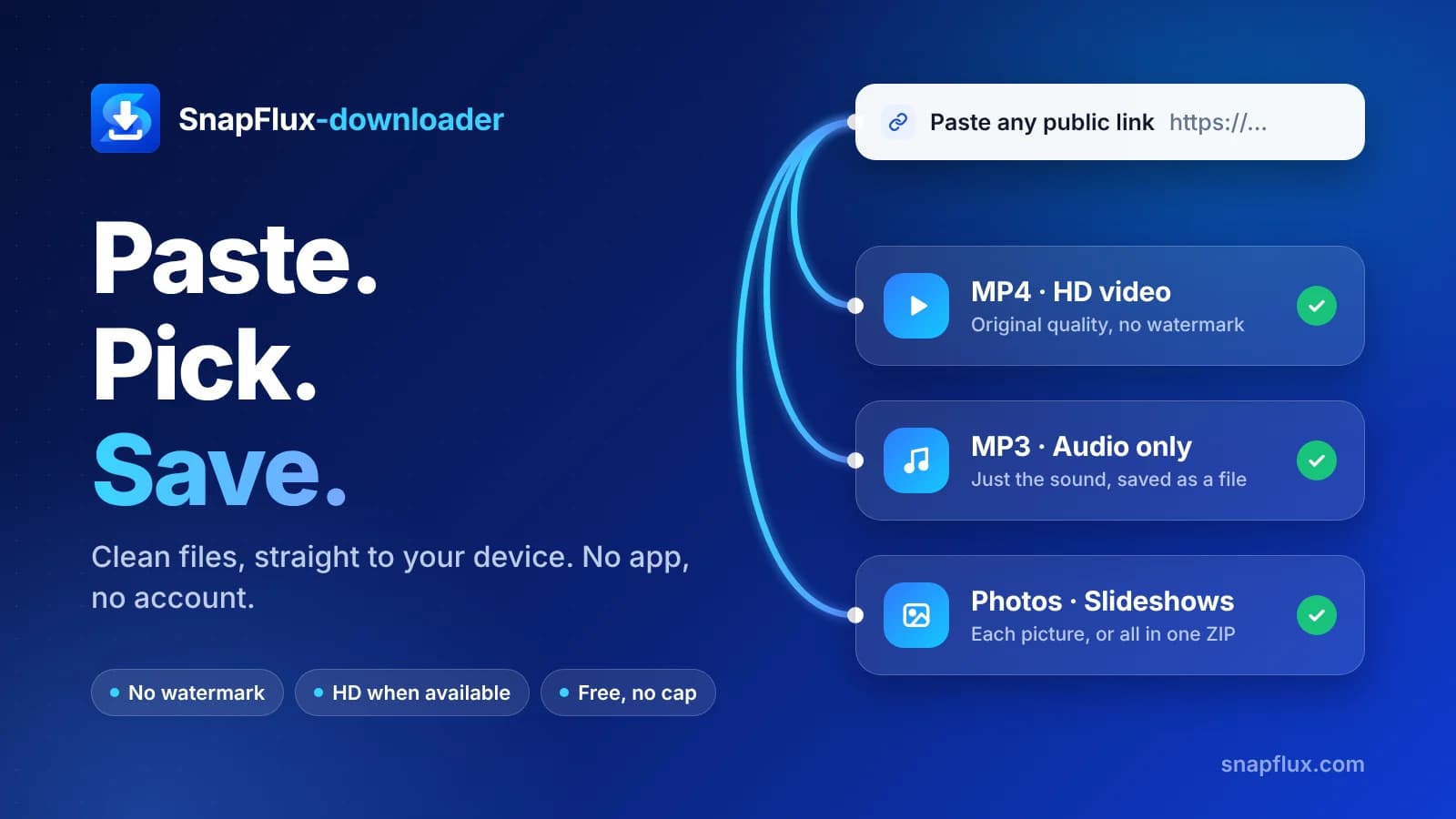
Open the TikTok, tap Share and choose Copy link. Paste the link into the box at the top of this page and press Download. When the result card appears, pick the MP3 audio button. The file is saved like any other download.
Where the file ends up
On Android phones and computers, the MP3 goes to your Downloads folder. On iPhone and iPad, the Photos app only holds pictures and videos, so an audio file goes to the Files app instead. From there you can play it, share it or move it into another app.
What to expect from the sound
You get the sound that plays in the clip, not a studio version of the song. If music is playing under someone talking, both are in the file, because they were mixed together in the original. The length follows the post: a fifteen second clip gives fifteen seconds of audio. Quality follows the source, so a clip recorded in a noisy place will sound noisy as an MP3 too.
Using what you save
Keep the file for offline listening or for your own projects. The music and voices in TikTok clips usually belong to someone else, so get permission from the creator or rights holder before you post, sell or build on a track, and give credit when you share.
If it does not work
A clip recorded without any sound has no audio track, so there is nothing to save. Otherwise, check that the post is public, that it has not been deleted and that you copied the full link. Posts limited to certain countries may fail from other places.
Need something else?
For the full clip, use the TikTok video downloader. For stories that disappear after a day, try the TikTok Story downloader. For links from the Chinese version of the app, use the Douyin video downloader.
Every clip belongs to its creator. Keep downloads for your own viewing, and if you want to share one publicly, get the creator's permission and give them credit.