
Download Douyin videos
Douyin is the Chinese version of TikTok. It is run by the same company, but it has its own app, its own accounts and its own videos. A clip you see there often does not exist on TikTok, which is why it needs a separate tool. Paste a Douyin share link here to save the video.
How to copy a Douyin link
In the Douyin app, open the video, tap Share and choose Copy link. Paste the whole share text into the box at the top of this page, exactly as the app copied it, and press Download. This tool works with share links from douyin.com.
Language and regional limits
The page and its buttons follow the language you picked, but the video itself stays as the creator posted it, usually with Chinese captions and speech. Some Douyin posts are limited by region or by the creator’s settings, and those may not load.
What you get
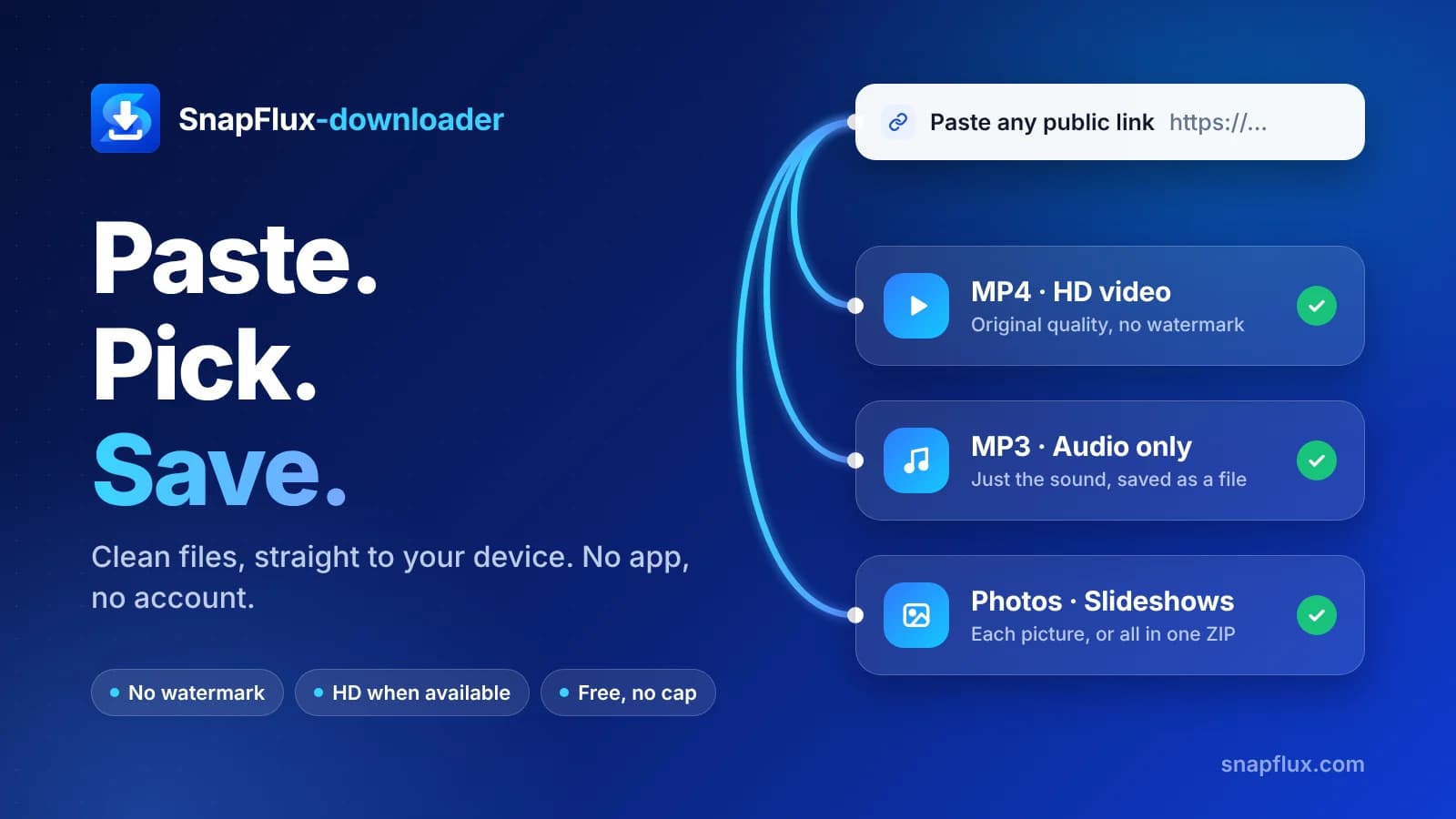
The result card shows the download options available for that clip. Quality follows the original upload, so a low-resolution clip stays low-resolution after you save it.
Keep it respectful
Douyin videos belong to their creators, who may not expect them to travel outside China. Save them for your own use, ask before you share, and give credit.
Troubleshooting
If a link fails, paste the whole share text instead of only part of it, and make sure the video is public. If you only have the short link, open it in the Douyin app first and copy the share text from there.
More tools
For TikTok videos, use the TikTok video downloader. For audio only, use the TikTok to MP3 downloader. For stories before they expire, use the TikTok Story downloader.
Every clip belongs to its creator. Keep downloads for your own viewing, and if you want to share one publicly, get the creator's permission and give them credit.